

Carousel
The built-in carousel tag — flip through images left to right, each with a Markdown caption, each clickable into a navigable full-screen lightbox. Usage, options, and a live example.
A built-in tag built from Mantine’s Carousel behind one tag pair. Flip through a
row of images left to right — drag, the arrows, or the indicator dots — each with its
own Markdown caption. Click any image to open a full-screen lightbox: the same
dimmed, blurred overlay the Image tag uses, but navigable — on-image
controls and the ← / → keys flip through every image without leaving it.
Installation
Unlike the other built-ins, the carousel needs two packages that aren’t in the default
vark new scaffold — Mantine’s @mantine/carousel and its Embla peer dependency.
@mantine/carousel requires the exact same version as your project’s @mantine/core
(a strict peer dependency). Check your version, then install the carousel pinned to it:
npm ls @mantine/core          # e.g. @mantine/core@7.17.8
npm install @mantine/carousel@7.17.8 embla-carousel-react
Use your own @mantine/core version in place of 7.17.8.
Without them, vark build fails with an esbuild Cannot find module '@mantine/carousel' error.
Usage
Wrap the set in {% carousel %} … {% endCarousel %}, and give each
image its own {% slide src="…" %} … {% endSlide %}. The src is
the image; everything between the slide tags is its caption (ordinary Markdown):
{% carousel height=360 %}
{% slide src="/landscape.jpg" alt="Mountains at dusk" %}
Mountains at dusk over a still lake. **Drag** the image or use the arrows.
{% endSlide %}
{% slide src="/img/sample-landscape.svg" alt="A wide sample frame" %}
A wide sample frame — captions take _Markdown_, including [links](/components/image/).
{% endSlide %}
{% slide src="/img/sample-square.svg" alt="A square sample thumbnail" %}
A square sample thumbnail.
{% endSlide %}
{% endCarousel %}
renders, live:
Mountains at dusk over a still lake. Drag the image or use the arrows.
A wide sample frame — captions take Markdown, including links.
A square sample thumbnail.

Mountains at dusk over a still lake. Drag the image or use the arrows.
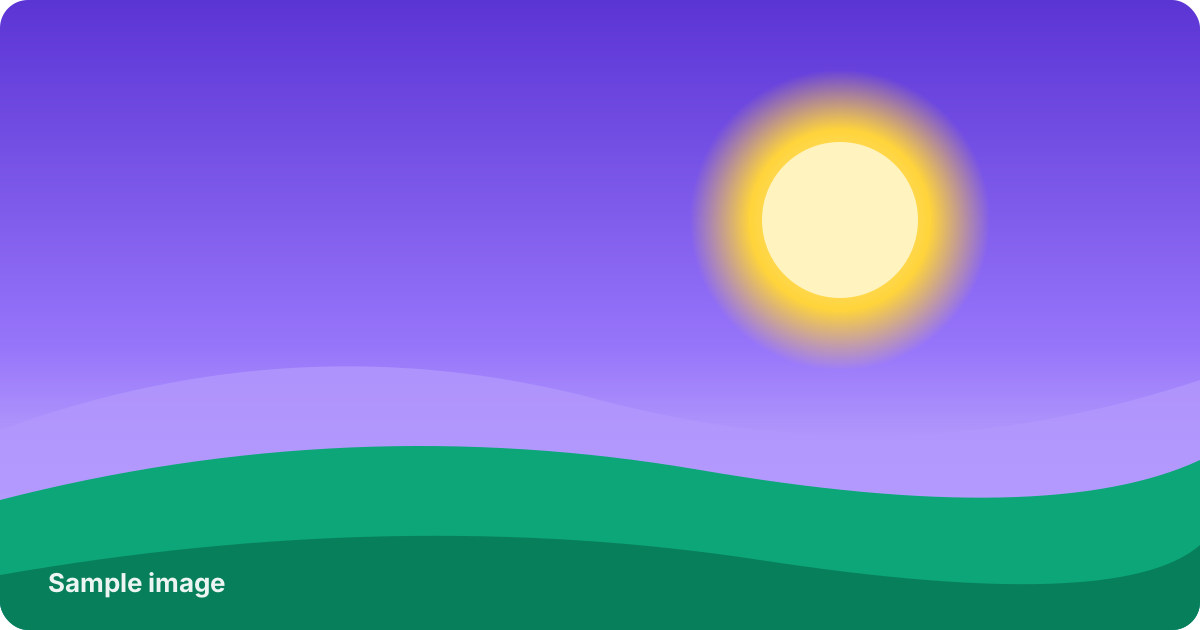
A wide sample frame — captions take Markdown, including links.

A square sample thumbnail.
Click any image to open the lightbox, then use the ← / → keys (or the on-image controls) to move between images; Esc or a click outside closes it.
Options
Every attribute on {% carousel %} maps to a Mantine Carousel
option, so the full Carousel API is available — these are the common ones:
{% carousel %} attribute |
Effect |
|---|---|
height="…" |
Slide height (px or any CSS size). Set this for a tidy, uniform strip when images vary in aspect ratio. |
slideSize="…" |
Width of each slide (e.g. "50%" to show two at once). Defaults to one image at a time. |
slideGap="…" |
Gap between slides (a Mantine spacing token or CSS size). |
align="start" | "center" | "end" |
How slides line up in the viewport. |
loop |
Wrap from the last slide back to the first. |
withControls=false |
Hide the prev/next arrows. |
withIndicators=false |
Hide the dots (shown by default). |
Each {% slide %} takes:
{% slide %} attribute |
Effect |
|---|---|
src="…" |
The image to show (required). |
alt="…" |
Alt text for the image (and the lightbox’s accessible label). |
fit="…", radius="…", fallbackSrc="…" |
Standard Mantine Image options. |
The caption is the slide body, so leave it empty for a bare image. Combine slideSize
with slideGap to show more than one at a time:
{% carousel height=240 slideSize="50%" slideGap="sm" %}
{% slide src="/img/sample-square.svg" alt="One" %}{% endSlide %}
{% slide src="/img/sample-landscape.svg" alt="Two" %}{% endSlide %}
{% slide src="/landscape.jpg" alt="Three" %}{% endSlide %}
{% endCarousel %}