# Image
Images render through Mantine's `Image` component with two extras aardvark adds on top: they
fill the content width **without** being upscaled past their natural size, and — when there's
more detail to reveal — clicking one opens it in a **dimmed full-image lightbox**. A plain
Markdown image on its own line gets this automatically; use the `{% image %}`
tag when you need options. Use it as `{% image %}` in Markdown, or call it
from Python logic (loops, snippets) via `component('aardvark', 'image', …)`.
## Plain Markdown images
A normal Markdown image on its own line gets the treatment automatically — write Markdown as
usual. A large image fills the content column; a small one stays its natural size (no blurry
upscaling). The Markdown **title** (the quoted text after the URL) shows as a hover **tooltip**,
falling back to the **alt text** when there's no title. Images written *inside a sentence* stay
plain inline images.
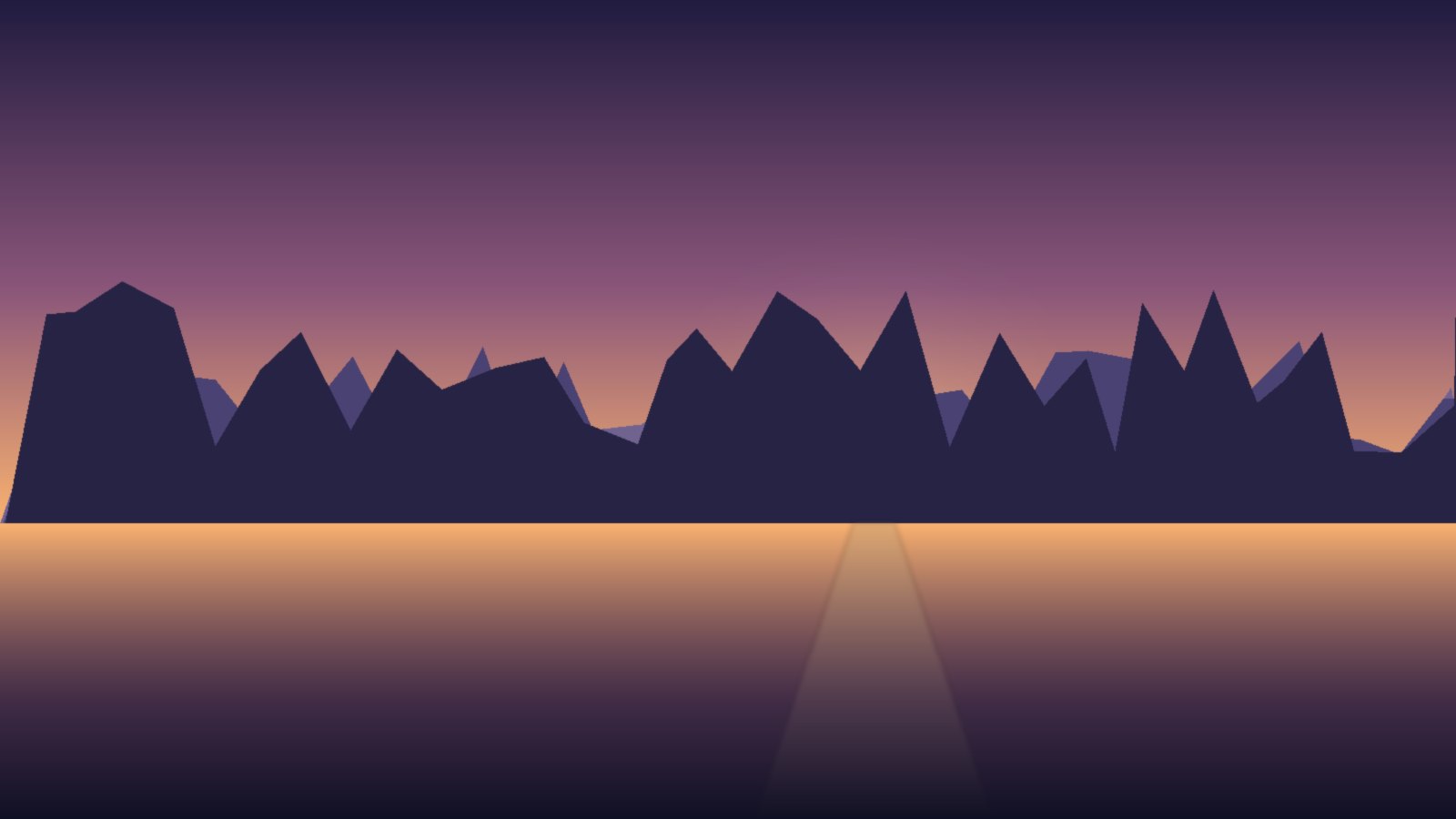
Source: Markdown
```markdown

```
## Demonstrations
### Sizing and alignment
`size` scales the image to a percentage of the content width (aspect ratio preserved), and
`align` (`left`, `center`, or `right`) positions a scaled image:
Source: Markdown
```aardvark
{% image src='/landscape.jpg' alt='Mountains at dusk over a still lake' size='35%' align='left' %}
{% image src='/landscape.jpg' alt='Mountains at dusk over a still lake' size='35%' align='center' %}
```
Source: Python
```python
component('aardvark', 'image', src='/landscape.jpg',
alt='Mountains at dusk over a still lake', size='35%', align='left')
component('aardvark', 'image', src='/landscape.jpg',
alt='Mountains at dusk over a still lake', size='35%', align='center')
```
### Captions
`caption` renders a visible figure caption below the image — opt-in, so plain Markdown images
never grow one. The figure shrinks to the image, so the caption is exactly as wide as what it
describes:
Source: Markdown
```aardvark
{% image src='/landscape.jpg' alt='A still mountain lake at dusk' caption='Figure 1 — dusk over the lake' size='60%' align='center' %}
```
Source: Python
```python
component('aardvark', 'image', src='/landscape.jpg',
alt='A still mountain lake at dusk',
caption='Figure 1 — dusk over the lake', size='60%', align='center')
```
### Disabling zoom
Zoom is offered only while the image is shown *smaller* than its natural size — an image
already at full size stays static (a lightbox would have nothing more to reveal). Set
`zoom=false` to disable the lightbox entirely, even while scaled down (decorative art, or a
diagram you don't want enlarged):
Source: Markdown
```aardvark
{% image src='/landscape.jpg' alt='Mountains at dusk over a still lake' size='40%' zoom=false %}
```
Source: Python
```python
component('aardvark', 'image', src='/landscape.jpg',
alt='Mountains at dusk over a still lake', size='40%', zoom=False)
```
### Radius, fit, and framing
`radius` rounds the corners (`xs`–`xl` or any CSS value), `fit` sets `object-fit`, and the
visual props `bd`/`bg`/`opacity` plus the spacing/sizing props frame the image:
Source: Markdown
```aardvark
{% image src='/landscape.jpg' alt='Mountains at dusk over a still lake' size='40%' radius='lg' bd='2px solid var(--mantine-color-grape-5)' %}
```
Source: Python
```python
component('aardvark', 'image', src='/landscape.jpg',
alt='Mountains at dusk over a still lake', size='40%',
radius='lg', bd='2px solid var(--mantine-color-grape-5)')
```
## With other components
An image sits inside any other component — here a cover image leads a {% card %}
(via its own `image` attribute), and a standalone `{% image %}` sits beside a
{% badge %} caption:
Figure 2
Source: Markdown
```aardvark
{% badge color='blue' variant='light' %}Figure 2{% endBadge %}
{% image src='/landscape.jpg' alt='A still mountain lake at dusk' size='50%' align='center' caption='A lake at dusk' %}
```
Source: Python
```python
page.print(component('aardvark', 'badge', color='blue', variant='light', children='Figure 2'))
page.print(component('aardvark', 'image', src='/landscape.jpg',
alt='A still mountain lake at dusk', size='50%',
align='center', caption='A lake at dusk'))
```
## Attributes
Omit any attribute to take its default.
| Attribute | Valid values | Description |
| --- | --- | --- |
| `src` | image URL | The image (required). |
| `alt` | string | Alternative text. Shows as a hover tooltip and names the lightbox dialog for screen readers. Use `alt=""` for a purely decorative image. |
| `caption` | string | Visible figure caption shown below the image. Opt-in — omit it for no caption. |
| `size` | percentage, e.g. `50%` | Scale the image to a percentage of the content width. Aspect ratio is preserved. Defaults to natural size, capped to the column. |
| `align` | `left` (default), `center`, `right` | Positions a scaled image. |
| `zoom` | bool flag (`true` default / `false`) | `true` opens a lightbox on click while the image is scaled down (an image at full size isn't clickable). `false` disables it entirely. |
| `fit` | `cover` (default), `contain`, `fill`, `none`, `scale-down` | `object-fit` of the image. |
| `radius` | `xs`–`xl` or any CSS value | Rounded corners. |
| `fallbackSrc` | image URL | Image shown if `src` fails to load. |
| `loading` | `lazy`, `eager` | Native `![]() ` loading hint — `lazy` defers offscreen images. |
| `srcSet` | string | Responsive sources — passed straight to the underlying `
` loading hint — `lazy` defers offscreen images. |
| `srcSet` | string | Responsive sources — passed straight to the underlying `![]() `. |
| `sizes` | string | Responsive sizes hint — passed straight to the underlying `
`. |
| `sizes` | string | Responsive sizes hint — passed straight to the underlying `![]() `. |
| `bd` | CSS border, e.g. `1px solid gray` | Border. |
| `bg` | any CSS color | Background color (shows through a transparent image). |
| `opacity` | number `0`–`1`, e.g. `0.8` | Image opacity. |
| `m` `mt` `mb` `ml` `mr` `mx` `my` / `p` `pt` … `py` | Mantine spacing token or any CSS value | Margin / padding [spacing props](/components/layout/box/). |
| `w` `h` `miw` `mih` `maw` `mah` | Mantine size token or any CSS value | Width / height [sizing props](/components/layout/box/). |
## CSS Selectors
Target the rendered element through its island marker — `[data-aardvark-island="ZoomImage"]` — or through the Mantine Styles API classes (`.mantine-Image-root` and its inner parts):
```css
/* Every rendered ZoomImage carries this island marker */
[data-aardvark-island="ZoomImage"] { }
/* Mantine Styles API class on the root element */
.mantine-Image-root { }
```
## Injecting Attributes
`attr={…}` forwards raw HTML attributes — including event handlers — straight onto the rendered element, so you can wire DOM behavior the tag does not expose. The handler can be a full multi-line script, not just one expression — this one logs the value to the console and shows it in an alert:
`. |
| `bd` | CSS border, e.g. `1px solid gray` | Border. |
| `bg` | any CSS color | Background color (shows through a transparent image). |
| `opacity` | number `0`–`1`, e.g. `0.8` | Image opacity. |
| `m` `mt` `mb` `ml` `mr` `mx` `my` / `p` `pt` … `py` | Mantine spacing token or any CSS value | Margin / padding [spacing props](/components/layout/box/). |
| `w` `h` `miw` `mih` `maw` `mah` | Mantine size token or any CSS value | Width / height [sizing props](/components/layout/box/). |
## CSS Selectors
Target the rendered element through its island marker — `[data-aardvark-island="ZoomImage"]` — or through the Mantine Styles API classes (`.mantine-Image-root` and its inner parts):
```css
/* Every rendered ZoomImage carries this island marker */
[data-aardvark-island="ZoomImage"] { }
/* Mantine Styles API class on the root element */
.mantine-Image-root { }
```
## Injecting Attributes
`attr={…}` forwards raw HTML attributes — including event handlers — straight onto the rendered element, so you can wire DOM behavior the tag does not expose. The handler can be a full multi-line script, not just one expression — this one logs the value to the console and shows it in an alert:
Source: Markdown
```aardvark
{% image src='/landscape.jpg' alt='Mountains at dusk over a still lake' size='35%' align='left' attr={'onclick': '''
const value = this.alt;
console.log('attr demo value:', value);
alert(value);
'''} %}
```
Source: Python
```python
component('aardvark', 'image', src='/landscape.jpg', alt='Mountains at dusk over a still lake',
size='35%', align='left', attr={'onclick': '''
const value = this.alt;
console.log('attr demo value:', value);
alert(value);
'''})
```